1
Identity
1) Sign in with Google
Use FreeGPlay Login to start a verified claim session with your Google / YouTube account.
Login modal will open for secure verification.
Sign in, select your coupon, and claim from the modal in seconds.
Use FreeGPlay Login to start a verified claim session with your Google / YouTube account.
Login modal will open for secure verification.
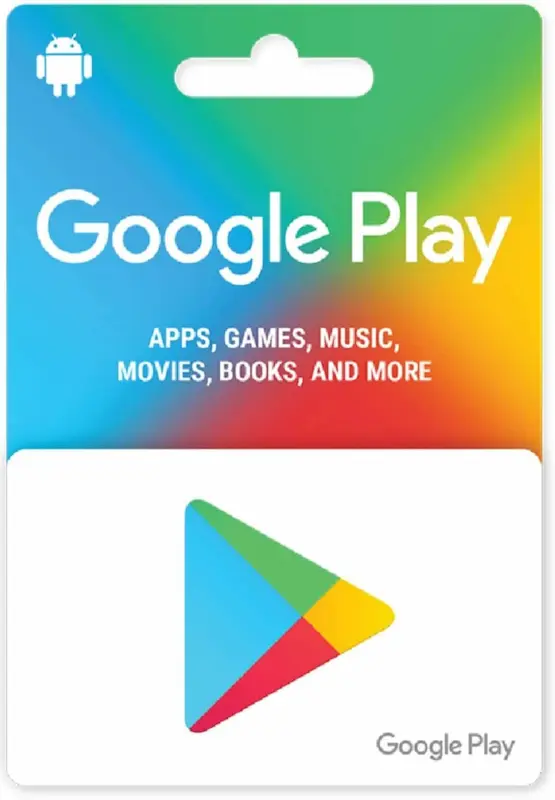
Google Play Redeem Code
$10 Gift Card
Pick a coupon from Code Pool and the claim modal opens instantly.
After sign-in verification, reveal the code inside modal and copy it instantly.
Redeem Preview
VerifiedYour code
Each account has 1 coupon limit. Signing in with a different Google account unlocks a new claim.
Account A
RedeemedAccount B
AvailableAccount A has already claimed. Account B can still claim now.
Example: user_id 12412******** claimed 1 coupon today.
When a different Google account starts a new session, 1 new coupon claim becomes available.